
DIY: Creating an educational video
There are multiple ways of creating your own educational video. From a screencast, where you present a PowerPoint presentation, to a video that you filmed in the field and edited yourself. On this page you find information on easy ways of making video's.
Make a screencast video
Screencast video's are most often used for:
- Presenting a PowerPoint presentation
- Explaining software on a computer
In a screencast you record the screen of your laptop or PC and, if you want to, yourself with your webcam. Located in Atlas (Building 104), TLC's educational media team offers a high-quality workspace where you can produce your screen recordings. More information about the studio can be found in the article Hummingbird studio: screencast podcast recording.
YuJa
YuJa Software Capture is a tool for capturing what's on your screen. It's like a virtual camera that can record videos of your lectures, presentations, and other teaching materials. Afterwards, you can share these videos with your students using platforms like YuJa orBrightspace. More information can be found in the article About YuJa Software Capture.
PowerPoint
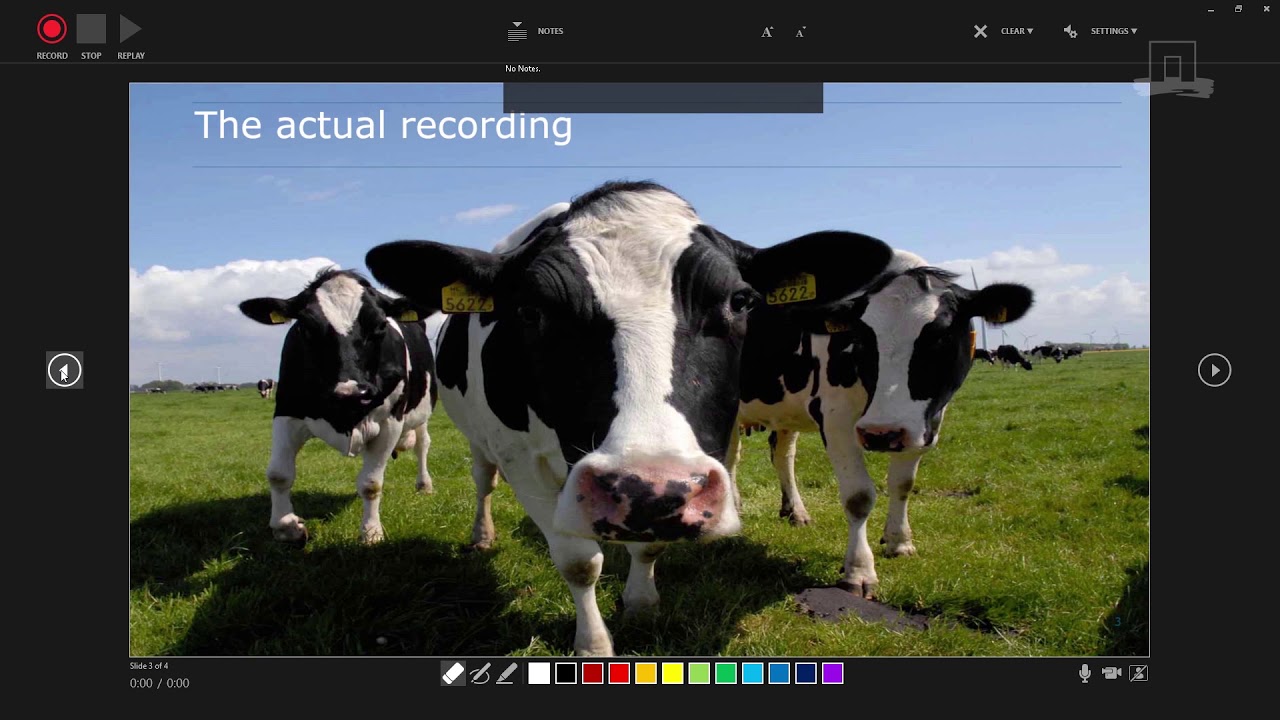
PowerPoint also has a easy-to-use recording functionality.Below you can watch our instructional video on how to use Powerpoint for your screencast:
Camtasia
If you want more options and a more 'fancy' screencast video, you can use Camtasia. Sometimes we have a couple of licenses of which you can borrow. Otherwise we always have Camtasia available in our Screencast studio. More information about the studio can be found in the article Hummingbird studio: screencast podcast recording. If you are interested in this, please contact us at [email protected].
Record a voice over
You might have created your own educational video or have an existing video that needs a new voice-over.
For this you have the same options as mentioned for the screencast video. You can record a voice-over in our Screencast Studio, or use screencapture software and a microphone to record it at home. More information about the studio can be found in the article Hummingbird studio: screencast podcast recording. If you are interested in this, please contact us at [email protected].
Create a video in the field
Filming, especially outside, can be challenging. Prepare yourself and watch our video with do's and don'ts for filming outside.

Want to know more about video and podcasts for education?
Please visit:
0 Comments
Add your comment